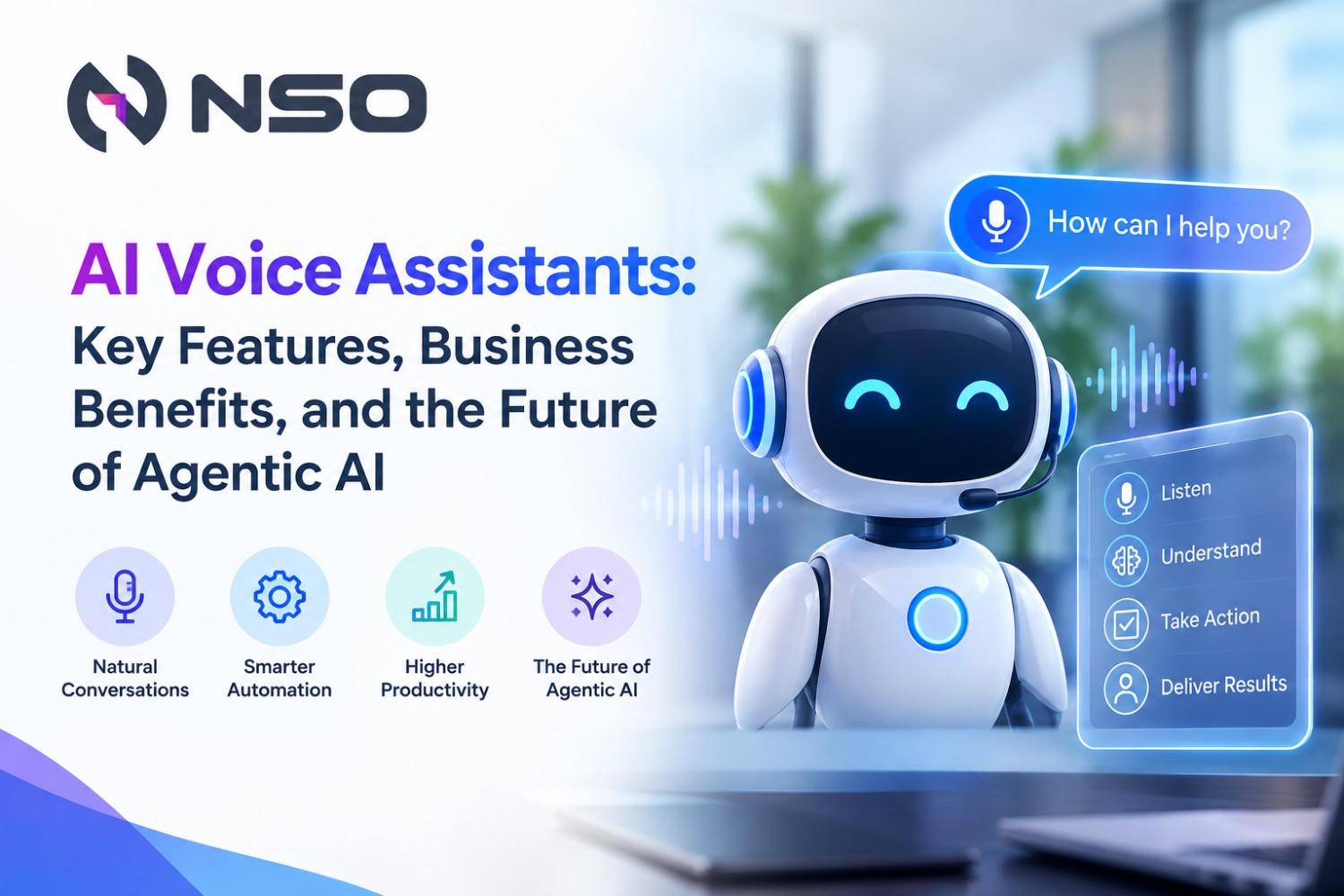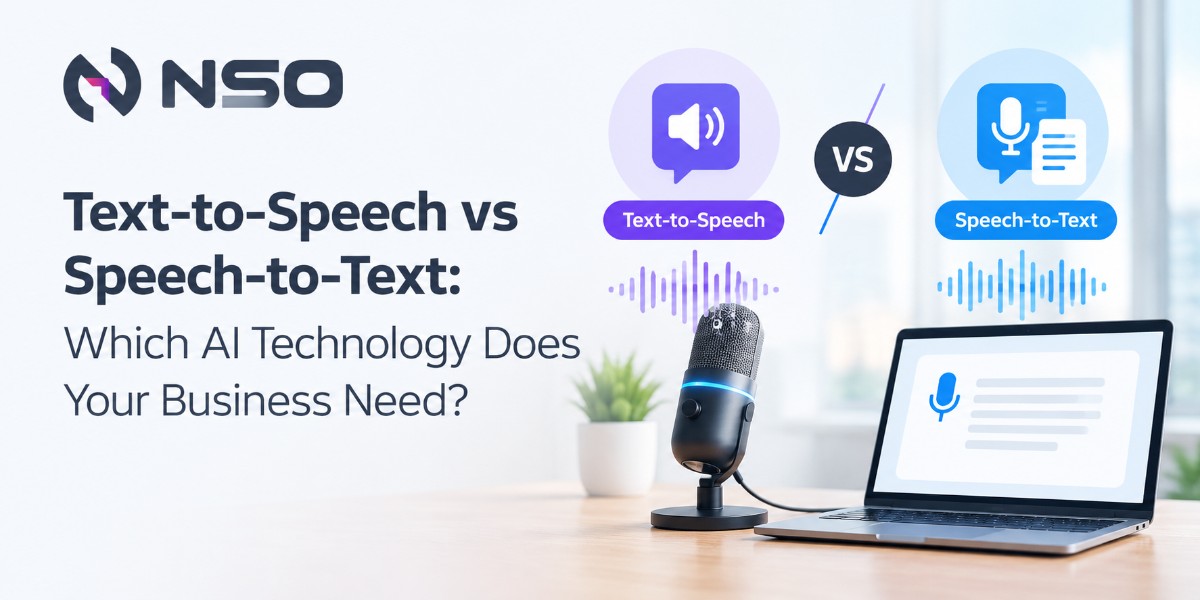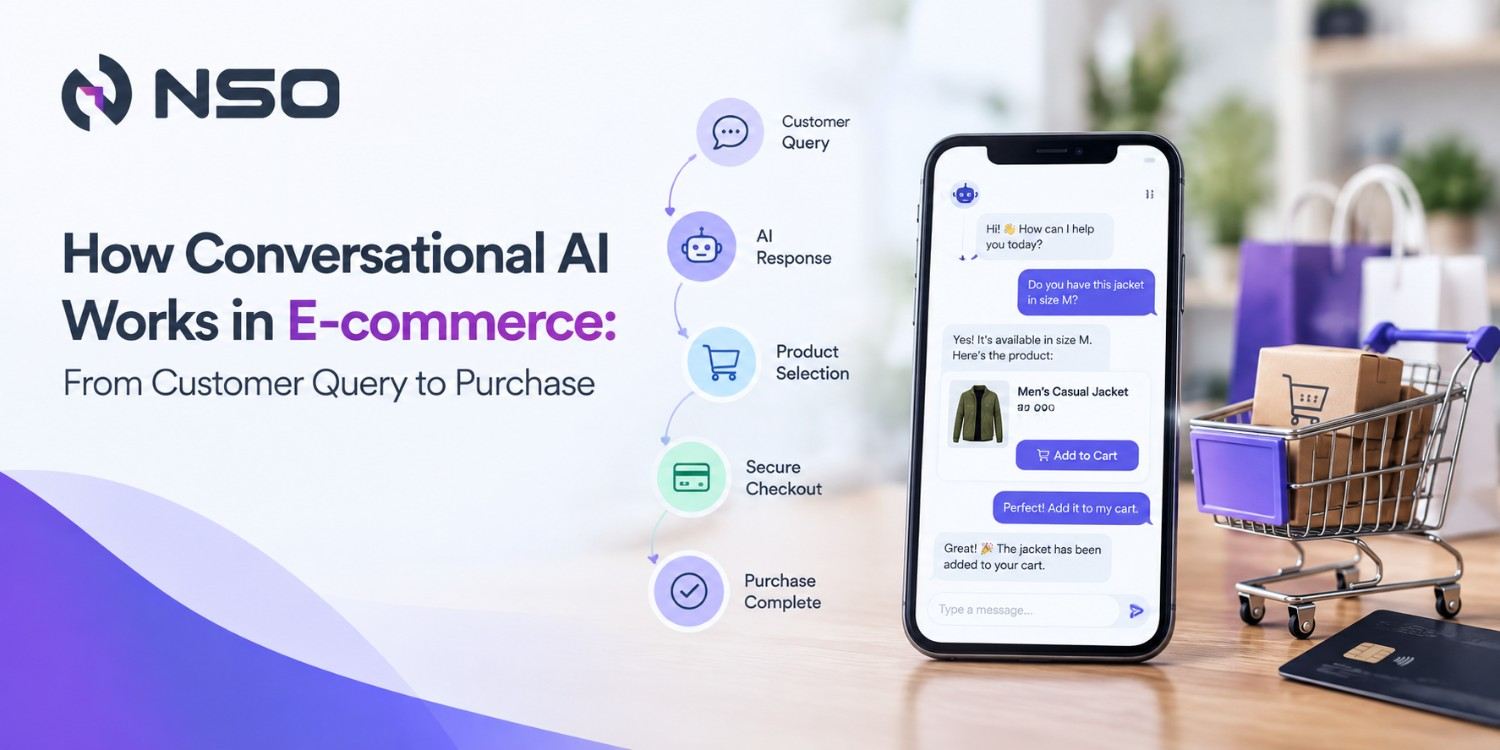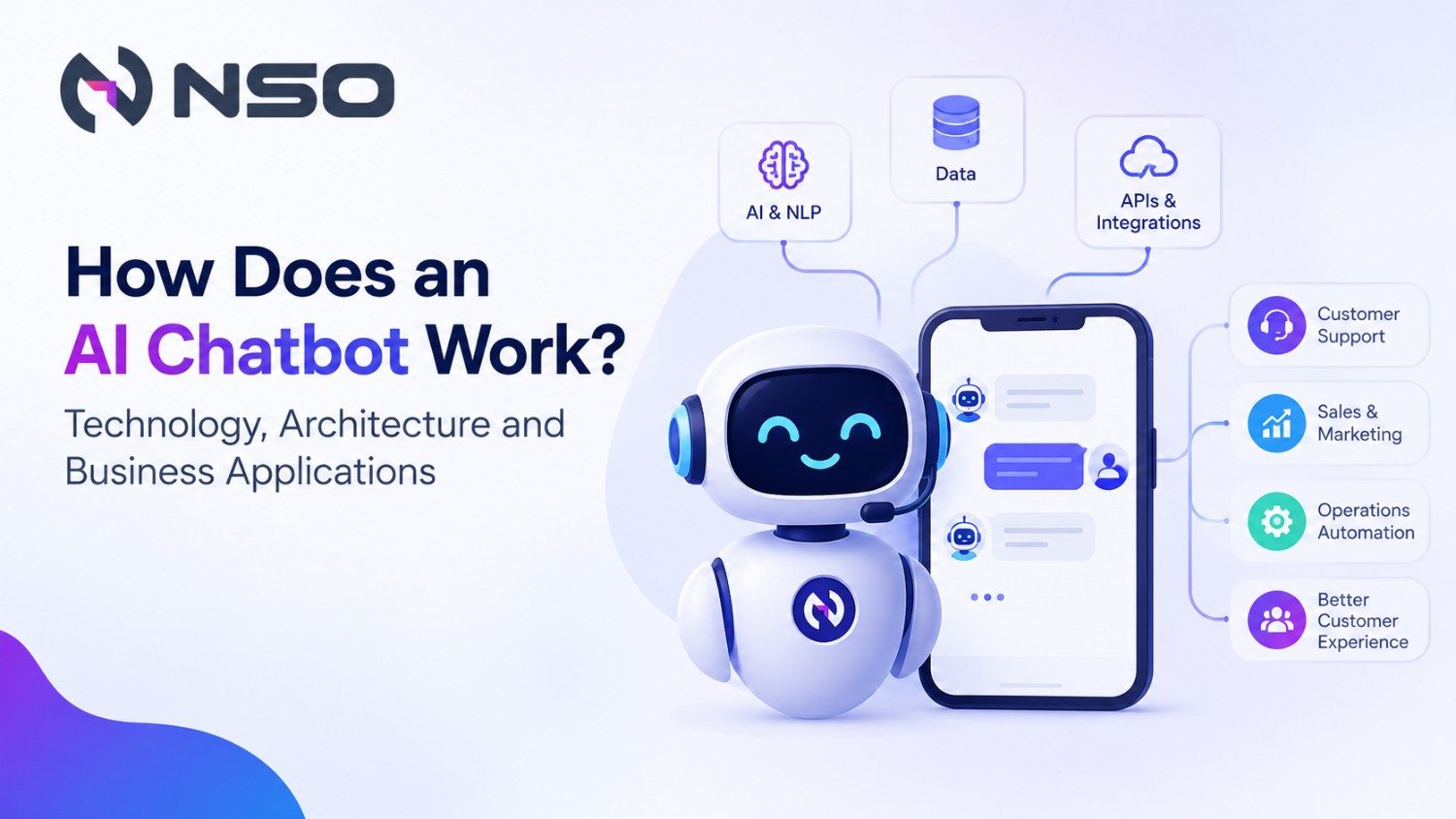


Imagine opening an app and having it speak to your customer instantly, without requiring them to read a single line of text. Whether it is a virtual assistant guiding a user, an e-learning platform narrating lessons, or a fintech application delivering real-time alerts, voice can turn a conventional digital experience into an interactive one.
That is where a Text to Speech API becomes valuable: it allows applications to convert written content into natural-sounding speech without building an entire speech synthesis engine from scratch.
A well-planned Text to Speech API integration can add accessibility, improve engagement, and enable real-time voice experiences across web and mobile applications.
What Is a Text to Speech API?
A Text to Speech API is a cloud-based interface that converts text into synthesized audio. Your application sends text, along with parameters such as language, voice, speed, or output format, and the API returns playable audio.
Modern TTS platforms can support multiple languages, voices, audio formats, and speech controls. Some also support streaming, allowing applications to receive audio while speech is being generated rather than waiting for the complete response.
For businesses, this means voice functionality can be added to applications without developing and maintaining a speech engine internally.
How to Integrate Text-to-Speech APIs
Integrating a Text-to-Speech API allows your application to convert written content into natural-sounding audio with minimal development effort. The process typically involves selecting a provider, configuring authentication, sending text with the required voice parameters, and handling the generated audio within your application.
Step 1: Obtain API Credentials
Start by registering with your preferred Text-to-Speech API provider and creating the credentials required to authenticate API requests.
Depending on the provider, you may need:
- API key
- Secret token
- OAuth credentials
Keep these credentials protected. Store them using environment variables, secure configuration files, or a dedicated secrets management service rather than exposing them in frontend or mobile application code.
Step 2: Configure the SDK or API Client
Most TTS providers offer SDKs and API libraries for widely used programming languages, making integration faster and easier.
Commonly supported technologies include:
- JavaScript
- Python
- Java
- Swift
- Kotlin
Using an SDK can simplify authentication, request creation, error handling, and communication with the provider. If an official SDK is unavailable or your architecture requires more flexibility, you can connect directly through the provider's REST API.
Step 3: Send Text to the TTS API
Once authentication and the API client are configured, your application can send the text that needs to be converted into speech.
A typical request may include:
- Text input
- Language or locale code, such as en-US
- Voice selection
- Audio output format, such as MP3, WAV, or OGG
- Speech settings, such as speed or pitch, when supported
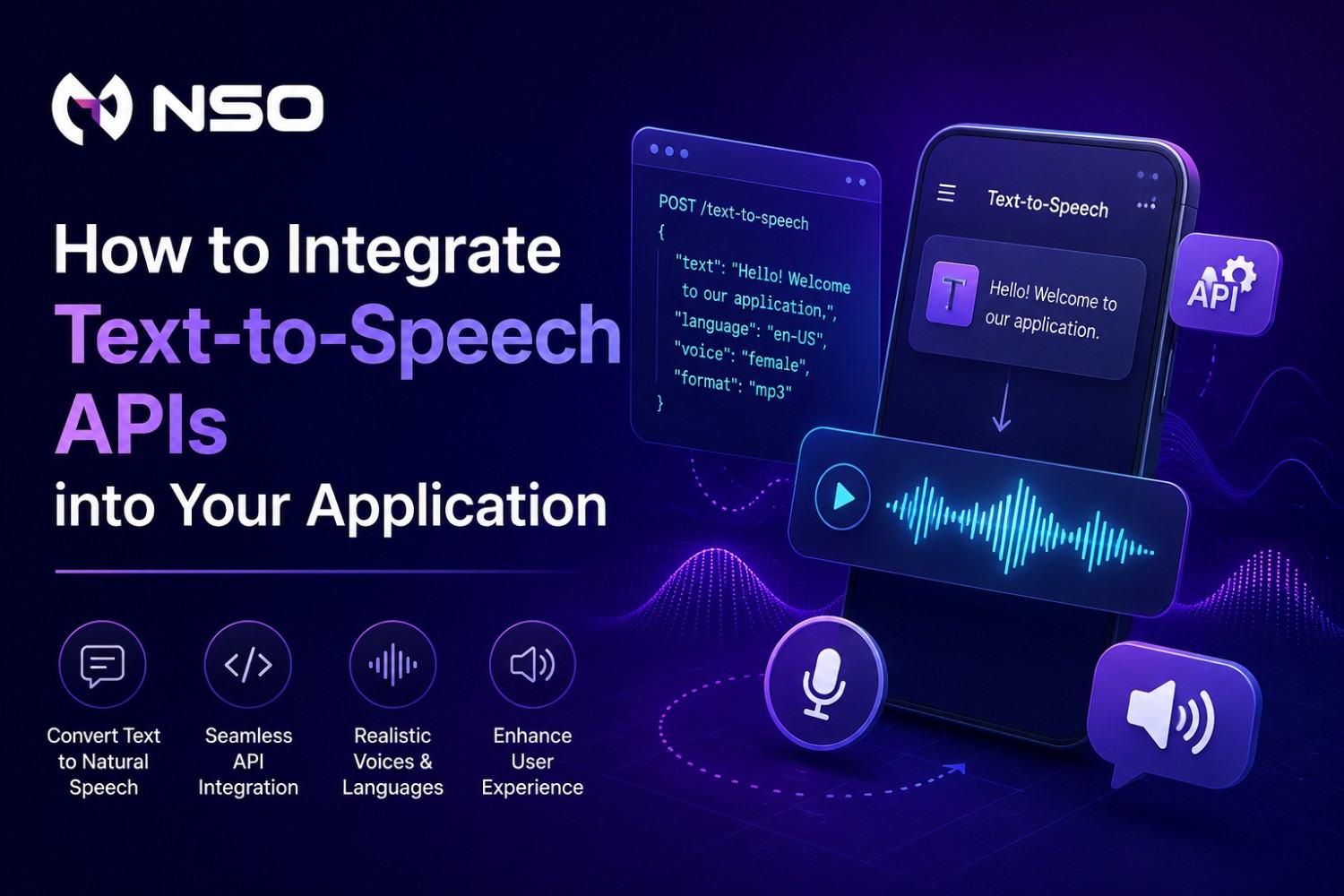
For example, a conceptual API request could look like:
POST /text-to-speech
{
"text": "Welcome to our application",
"language": "en-US",
"voice": "female",
"format": "mp3"
}
The Text-to-Speech API processes these parameters and returns synthesized audio that your application can then stream, play, or store.
Step 4: Handle and Play the Audio Output
After receiving the generated audio, integrate it into your application's user experience according to the target platform.
- Web applications: Use the HTML5 audio element or a custom audio player.
- Mobile applications: Use native audio frameworks available for Android or iOS mobile applications.
- AI voice agents: Use real-time or streaming playback for faster, more conversational interactions.
For a better user experience, provide essential playback controls such as play, pause, resume, stop, and volume adjustment where appropriate.
A production-ready Text-to-Speech API integration should also include error handling, response validation, timeout management, and fallback mechanisms to ensure voice functionality remains reliable even when an API request fails.
Why Integrate Text-to-Speech Into an Application?
The business case goes beyond simply “making an app talk.”
Improve accessibility: Voice output can help users who have difficulty reading on-screen content.
Create conversational experiences: AI assistants can combine language models with TTS to respond naturally through voice.
Increase content engagement: E-learning, publishing, and media platforms can turn written content into audio experiences.
Automate customer interactions: Applications can generate spoken notifications, instructions, confirmations, and support responses.
Support multilingual users: Businesses serving diverse markets can deliver localized voice experiences when the selected TTS provider supports the required languages and voices.
Optimize the Voice Experience
Successful TTS implementation is not only about generating audio. It is about making the audio feel natural within the application.
Keep spoken responses concise. Break long content into logical segments. Select voices that match your brand personality. Test pronunciation of names, technical terms, currencies, addresses, and abbreviations.
For interactive applications, measure time-to-first-audio, not only total generation time. A response that begins playing quickly can feel significantly more responsive even when the complete audio takes longer to finish.
Where Can Businesses Use Text-to-Speech APIs?
A Text to Speech API can support a wide range of business applications, including:
- AI customer support assistants
- Voice-enabled mobile applications
- E-learning and training platforms
- Accessibility features
- Healthcare information systems
- Banking and fintech notifications
- E-commerce product narration
- Smart devices and IoT applications
- Navigation and travel applications
- Enterprise AI assistants
- Automated voice notifications
When combined with speech recognition and conversational AI, TTS can become one component of a complete voice interaction system.
Build a Production-Ready Voice Application With NSO
Adding voice to an application is easy to demonstrate but harder to engineer for production. Latency, security, scalability, pronunciation, API costs, streaming architecture, and user experience all need to work together.
Nova Strategic Operations helps businesses design and implement AI-powered application experiences, including Text to Speech API integration, conversational AI, intelligent automation, and custom AI solutions. From selecting the right architecture to connecting APIs and optimizing real-time voice interactions, the focus is on building technology that supports measurable business outcomes.
If you are planning to add voice capabilities to an existing product or build a voice-enabled application from the ground up, Contact our engineers to explore the right integration strategy for your business.
Frequently Asked Questions
1. Can TTS APIs support multiple languages?
Yes. Many modern TTS services provide multiple languages and regional voices, although language and voice availability varies by provider.
2. What is SSML in Text to Speech?
SSML is a markup format that gives developers greater control over pronunciation, pauses, emphasis, speech style, and interpretation of specific text.
3. Should I use streaming or standard TTS?
Use standard or batch synthesis when generating content that does not require immediate playback. Choose streaming when low perceived latency is important, such as AI assistants, live customer support, and interactive applications.
4. Can NSO help with Text to Speech API integration?
Yes. NSO can help businesses plan, develop, integrate, and optimize AI-powered voice experiences based on their application requirements, business workflows, and scalability needs.