

.png)

What if you could use your phone or apps just by speaking? An AI voice assistant makes this possible. It helps you get answers, set reminders, or complete tasks quickly without typing.
But how does an AI voice assistant work? It follows a simple process. First, it listens to your voice. Then it converts your speech into text. After that, it understands what you mean, finds the right answer, and speaks the response back to you.
All of this happens in just a few seconds using smart AI technology. Because of this, AI voice assistants are becoming very useful for daily life and for businesses.
What is an AI voice assistant?
An AI voice assistant is a smart software system that listens to your voice, understands what you say, and gives a response.
You say, "What's the weather today?”
The assistant:
- Listens to your voice
- Converts it into text
- Understands your question
- Finds the answer
- Speaks it back to you
How AI Voice Assistants Work
Here is a simple breakdown of how an AI voice assistant works:
|
Step |
Process |
What Happens |
|
1 |
Voice Input |
You speak into a device |
|
2 |
Speech-to-Text |
Voice is converted into text |
|
3 |
Language Understanding |
AI understands meaning |
|
4 |
Processing |
The system finds the right answer |
|
5 |
Text-to-Speech |
The response is converted into voice |
1. Voice Input: Listening to You
The process begins when you speak to the device.
Your smartphone, smart speaker, or app uses a microphone to capture your voice.
What happens in this step:
- The microphone captures sound waves from your voice
- Background noise is filtered using noise reduction technology
- The system identifies the wake word to start processing
- Your audio is recorded and prepared for the next stage
Some systems process this data on the device itself (for speed and privacy), while others send it to cloud servers for more advanced processing.
2. Speech-to-Text (STT): Converting Voice into Text
Once your voice is captured, the next step is converting it into text. This is called Speech-to-Text (STT).
How it works:
- The system analyzes your voice as sound waves
- It breaks the audio into small units called "phonemes" (basic sound parts)
- AI models compare these sounds with a trained language database
- The closest matching words are formed into a sentence
Example:
You say, "Play music."
The system converts it into text: Play music
If the text conversion is wrong, the assistant may misunderstand your request. That’s why modern AI voice assistant systems use advanced machine learning models to improve accuracy, even with different accents and speaking styles.
3. Natural Language Processing (NLP): Understanding Meaning
After converting speech into text, the system needs to understand what you actually mean. This is handled by Natural Language Processing (NLP).
NLP breaks your request into two key parts:
1. Intent Detection (What you want): This identifies the purpose of your request.
2. Entity Recognition (Important details): This extracts key information like names, places, dates, or numbers.
Example:
You say, "Book a flight to Delhi tomorrow."
- Intent: Book a flight
- Entities: Delhi (destination), tomorrow (date)
What happens behind the scenes:
- The system analyzes sentence structure
- It understands context and meaning
- It may also consider past interactions for better accuracy
This step is what makes an AI voice assistant feel “smart” rather than just reactive.
4. Processing & Decision Making
Once the assistant understands your request, it decides what action to take.
How this step works:
- The system connects to databases, apps, or APIs
- It searches for the most relevant response
- It decides whether to answer directly or perform an action
Possible actions include:
- Searching the internet for information
- Booking tickets or appointments
- Sending messages or making calls
- Controlling smart home devices
Example:
If you ask, "What's the weather today?”
The assistant:
- Connects to a weather service
- Fetches real-time data
- Prepares a response
This step happens in milliseconds, making the interaction feel instant.
5. Text-to-Speech (TTS): Speaking Back to You
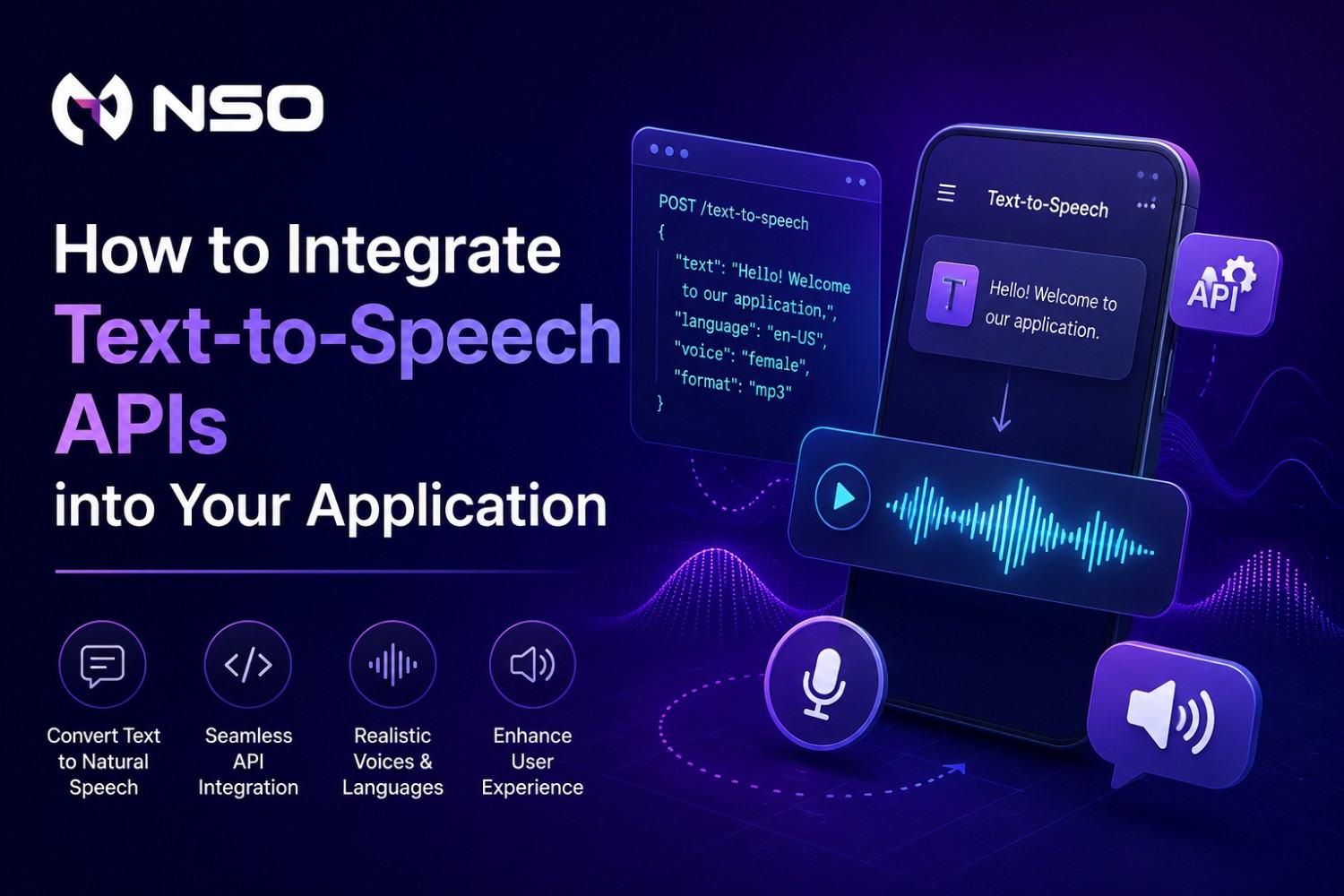
After processing your request, the assistant needs to respond, and it does so using Text-to-Speech (TTS) technology.
How it works:
- The system converts the response text into audio
- AI voice models generate human-like speech
- Tone, pitch, and speed are adjusted for natural sound
Example:
Text response: “It’s 30 degrees and sunny today.”
Modern AI voice assistant systems can:
- Sound more human and expressive
- Support multiple languages and accents
- Customize voice style (formal, friendly, etc.)
Core Technologies Behind AI Voice Assistants
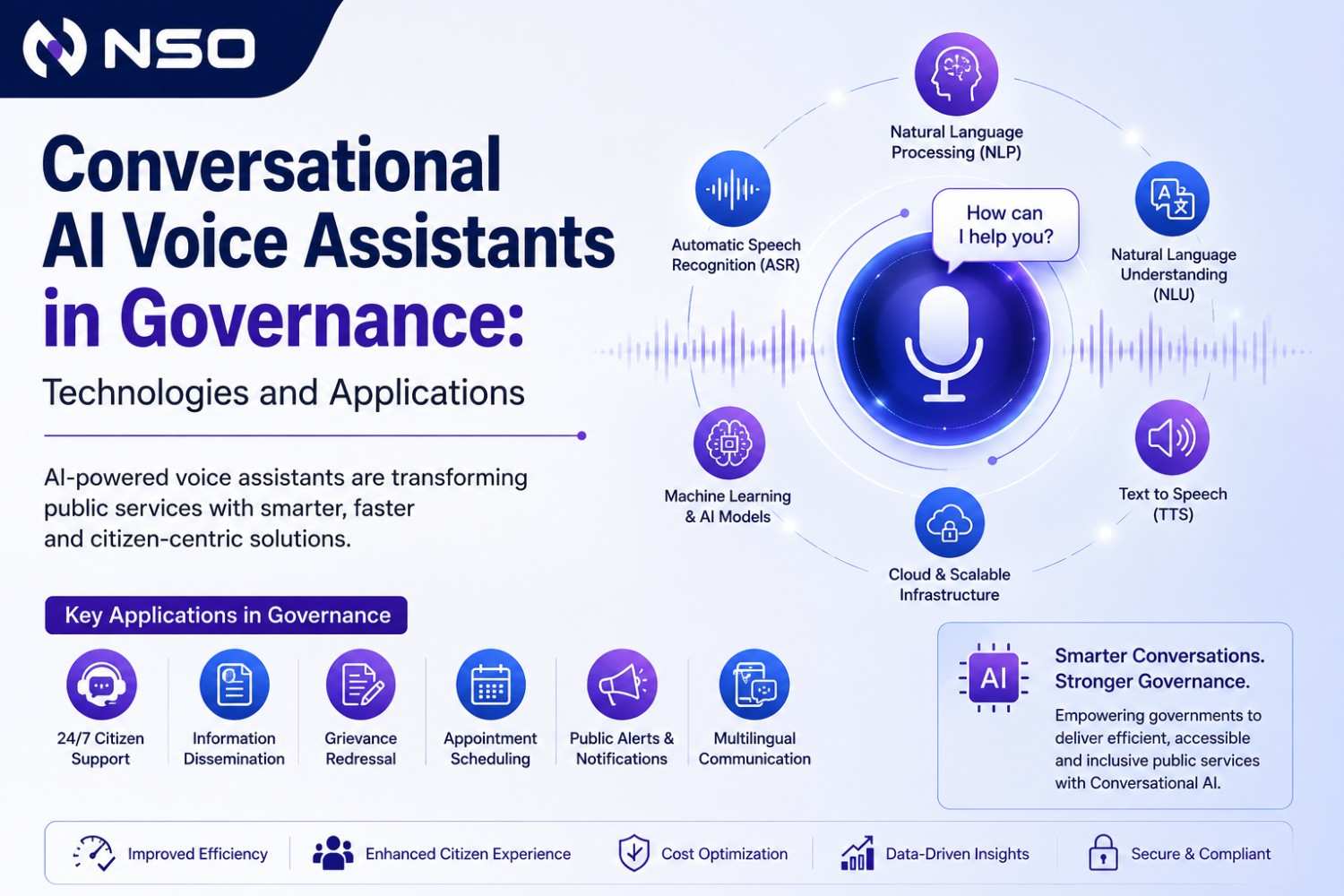
An AI voice assistant works smoothly because of several powerful technologies working together in the background. Each technology plays a specific role in turning your voice into meaningful actions and responses.
Here’s a clear and detailed explanation:
1. Speech-to-Text (STT)
Speech-to-Text (STT) is the first and most important step in voice interaction. It converts your spoken words into written text so the system can understand your request.
How it helps:
- Translates voice commands into machine-readable text
- Supports different accents, languages, and speaking styles
- Improves accuracy using machine learning over time
2. Text-to-Speech (TTS)
Text-to-Speech (TTS) converts the system’s response from text back into spoken words. This is what allows the assistant to “talk” to you.
How it helps:
- Produces natural and human-like voice responses
- Adjusts tone, pitch, and speed for better communication
- Supports multiple languages and voice styles
3. Speech-to-Speech
Speech-to-speech technology enables direct voice interaction without showing text to the user. It takes spoken input and delivers spoken output.
How it helps:
- Enables real-time voice translation
- Allows voice transformation (e.g., changing tone or language)
- Improves speed by skipping visible text conversion
4. Conversational AI
Conversational AI is the brain behind the interaction. It allows the AI Voice Assistant to understand context, manage conversations, and respond intelligently.
How it helps:
- Handles multi-step conversations
- Understands context and previous queries
- Provides more human-like and relevant responses
If you run a business and want to use an AI voice assistant, NSO offers powerful AI voice platforms to help you get started quickly and scale easily.
Our solutions are designed to automate communication, improve customer experience, and save time using smart voice technology.
What We Offer
- Speech-to-Text for accurate voice transcription
- Text-to-Speech for natural, human-like responses
- Speech-to-Speech for real-time voice interaction
- Conversational AI for intelligent, automated conversations
How It Helps Your Business
- Automate customer support and reduce manual workload
- Handle high call volumes efficiently
- Provide assistance without human intervention
- Improve response time and customer satisfaction
Whether you want to build a smart voice bot, upgrade your call system, or increase user interaction, our AI voice assistant solutions are flexible, scalable, and easy to integrate into your business.
Conclusion
AI voice assistant technology is transforming how people and businesses communicate. It listens, understands, and responds in seconds using smart AI systems.
From saving time to improving customer support, it offers many practical benefits. Businesses can automate tasks, reduce workload, and provide better user experiences.
As technology continues to grow, AI voice assistants will become even more accurate and helpful.

.png)





.png)

.png)
.png)
_(1).png)
.png)